Expense Accessibility (A11y): Designing for Equity
Context & Challenge
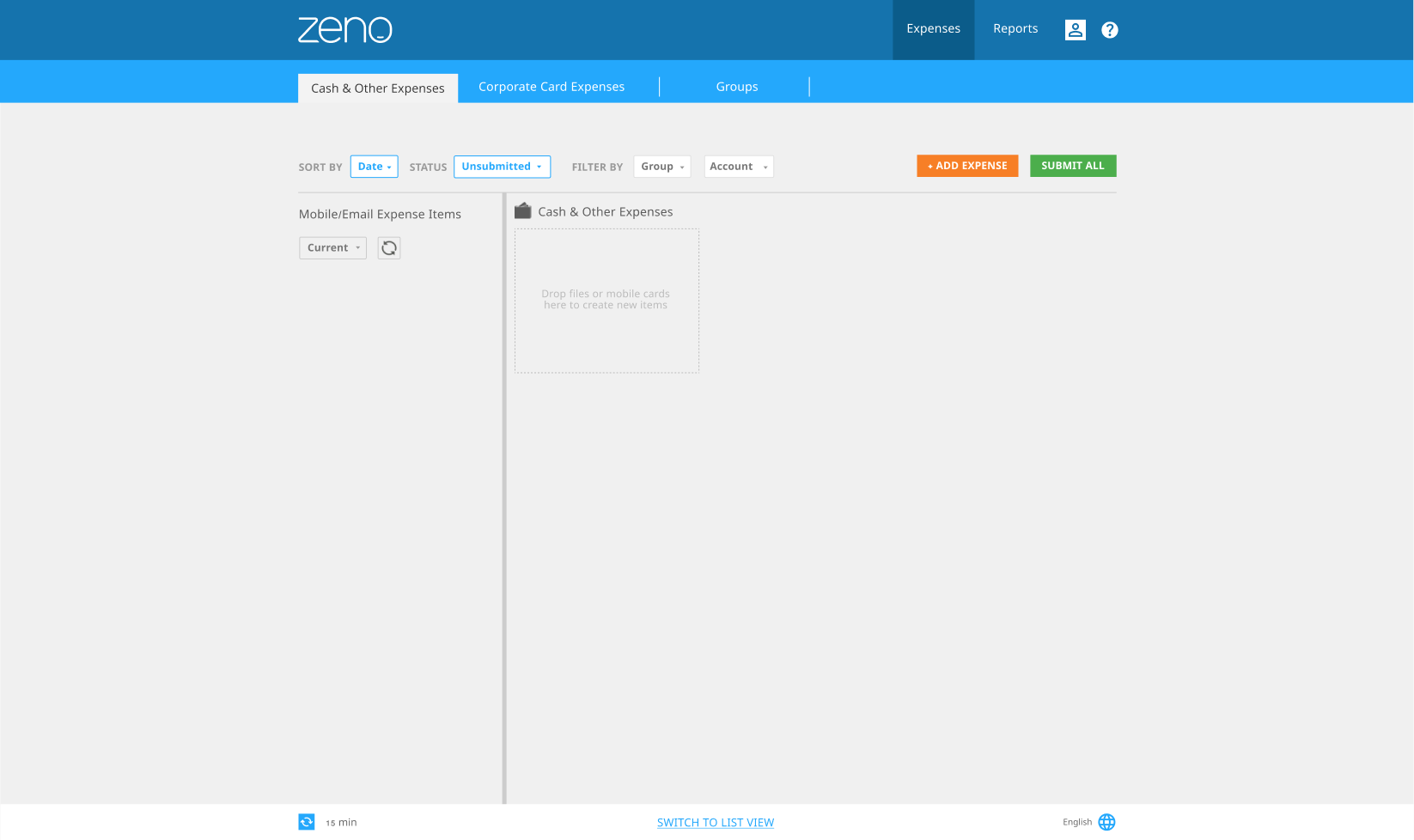
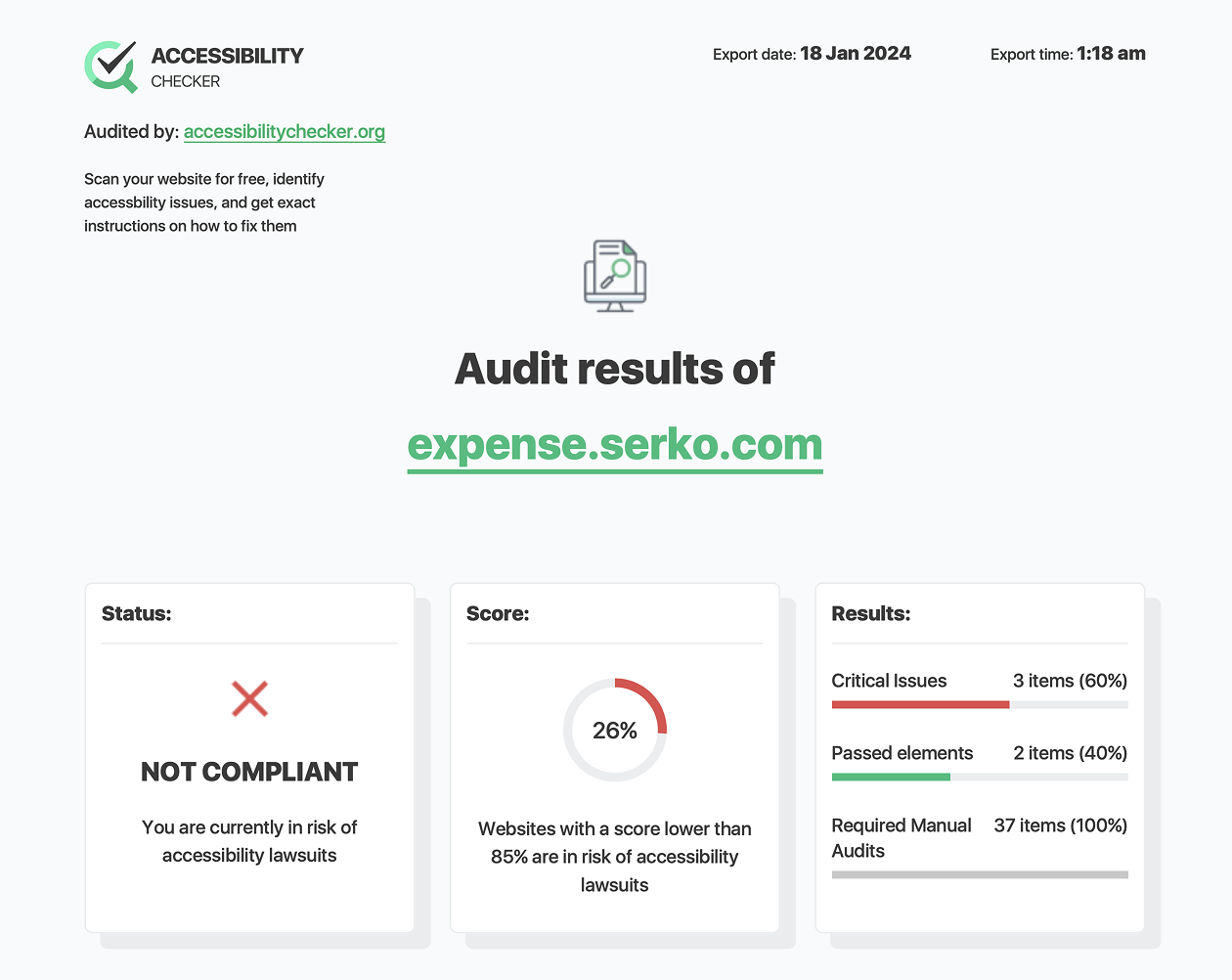
The expense flow had accessibility gaps that limited usability for users relying on assistive technologies. Compliance was necessary, but compliance alone was insufficient.
The challenge was to elevate accessibility from checklist to experience quality.
Role & Contribution
I led the accessibility audit and remediation strategy:
- Conducted WCAG evaluation
- Partnered with engineering on implementation feasibility
- Redefined interaction and focus patterns
- Advocated for accessibility integration in design reviews
Research & Insights
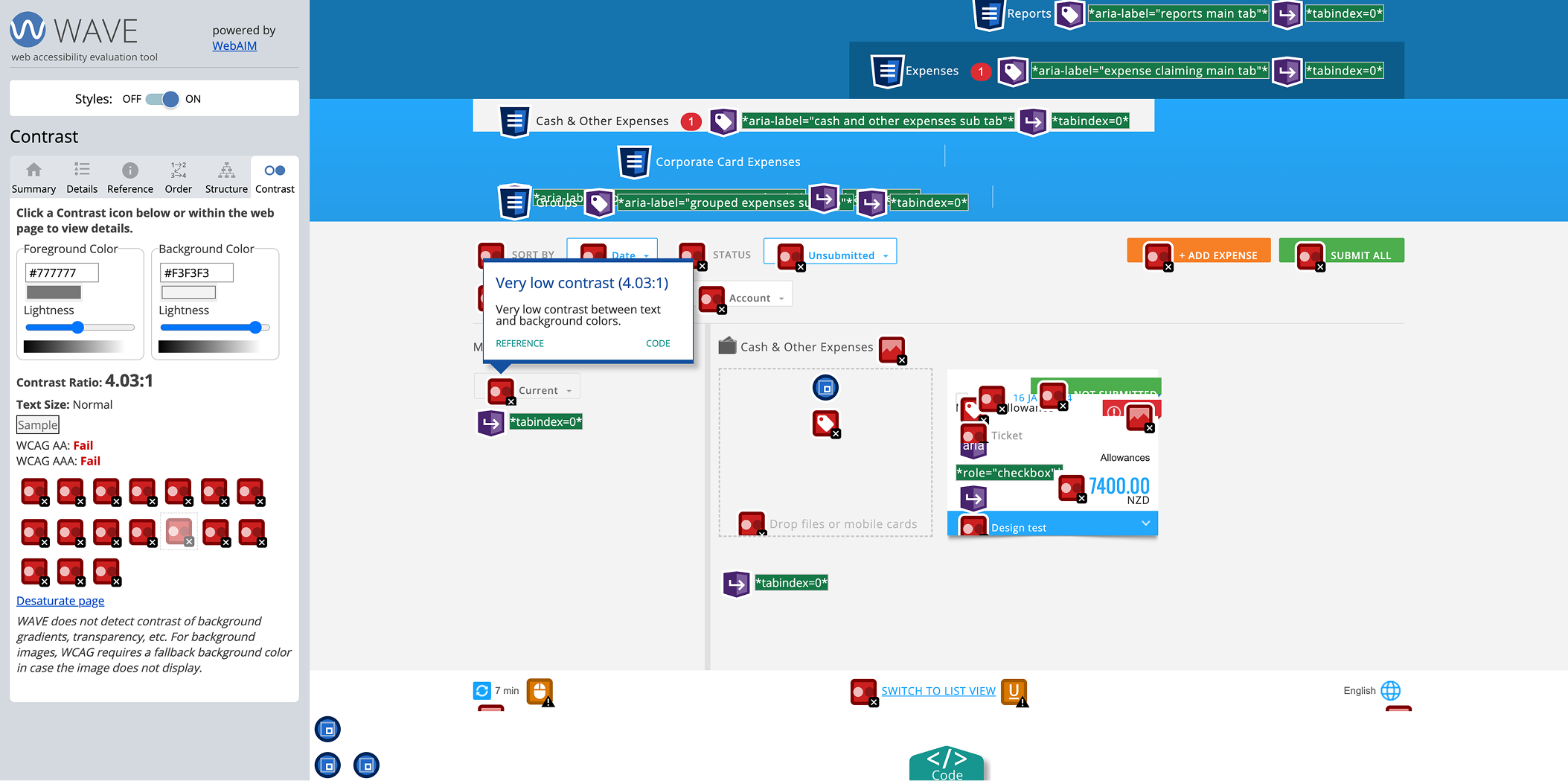
- Screen reader flow was inconsistent
- Focus states lacked hierarchy
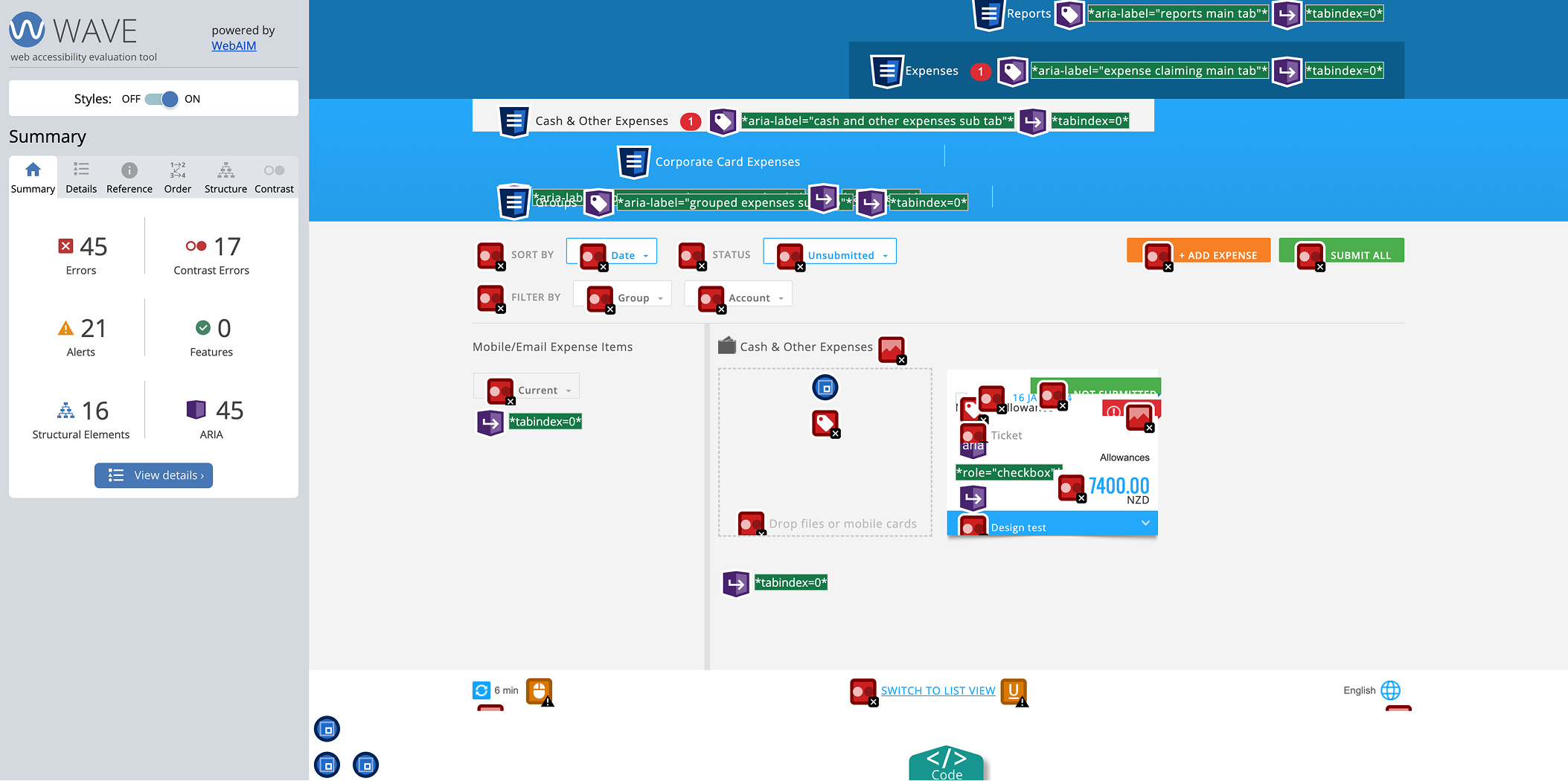
- Contrast issues impacted readability
- Keyboard navigation broke logical sequencing
Accessibility debt had accumulated due to iterative feature expansion.
1
Goals & Strategic Objectives
- Achieve WCAG compliance
- Improve usability for assistive tech users
- Embed accessibility standards into design workflows

2
Design Strategy & Approach
Rather than patching issues individually, we:
- Created reusable accessibility components
- Standardised focus behaviour
- Improved semantic structuring
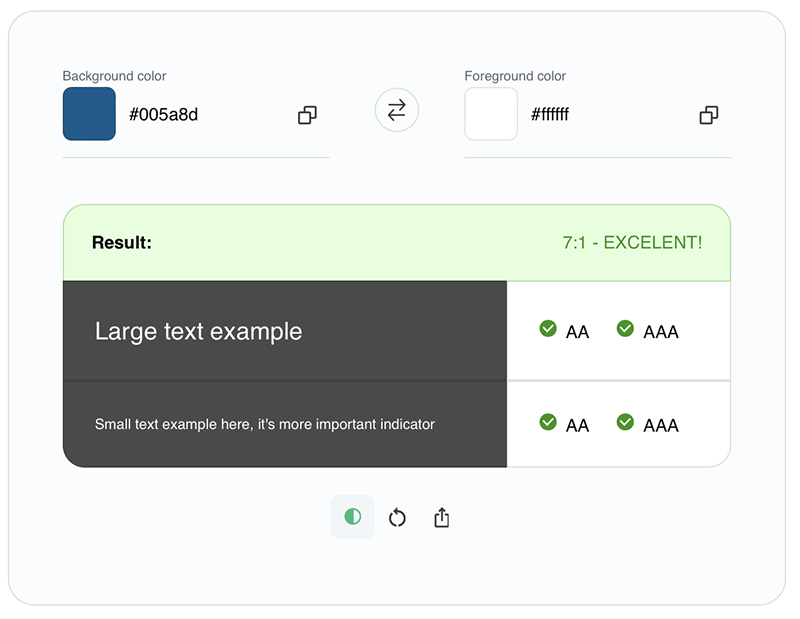
- Elevated contrast and readability system-wide

3
Solution
- Redesigned focus states and tab order
- Improved colour contrast ratios
- Simplified error communication
- Introduced documentation for ongoing accessibility governance

Results & Impact
- Achieved compliance benchmarks
- Improved usability feedback from assistive tech users
- Reduced future accessibility rework through component-level fixes

Reflection & Learnings
- Accessibility is a systems challenge, not a feature fix.
- This project shifted internal perception — from reactive compliance to proactive inclusion.
- Future direction: integrate automated accessibility testing earlier in CI pipelines.
Design